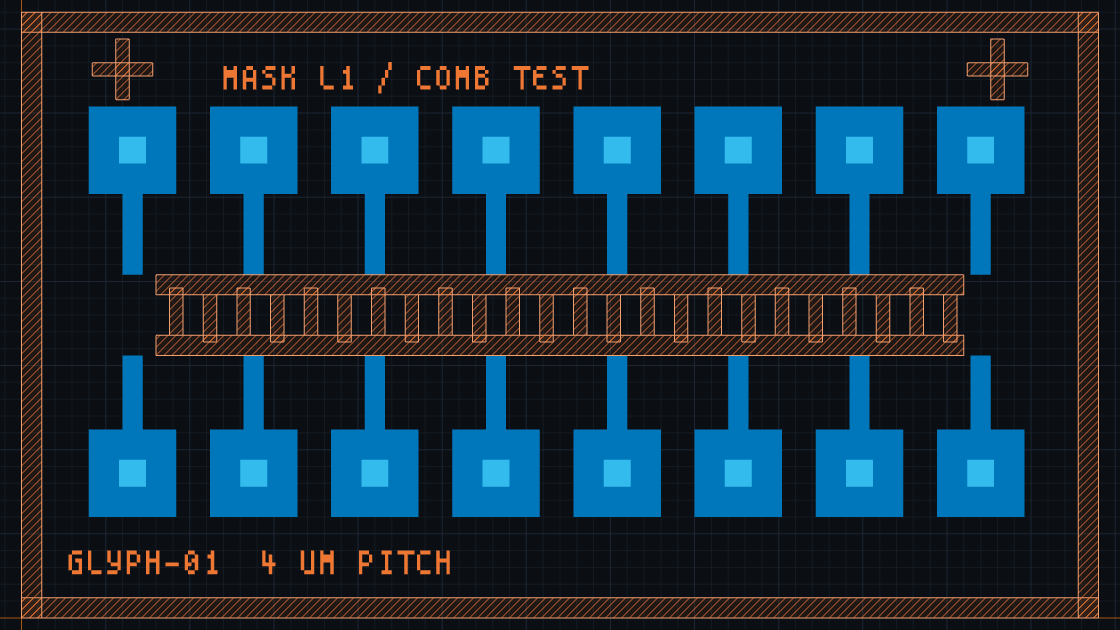
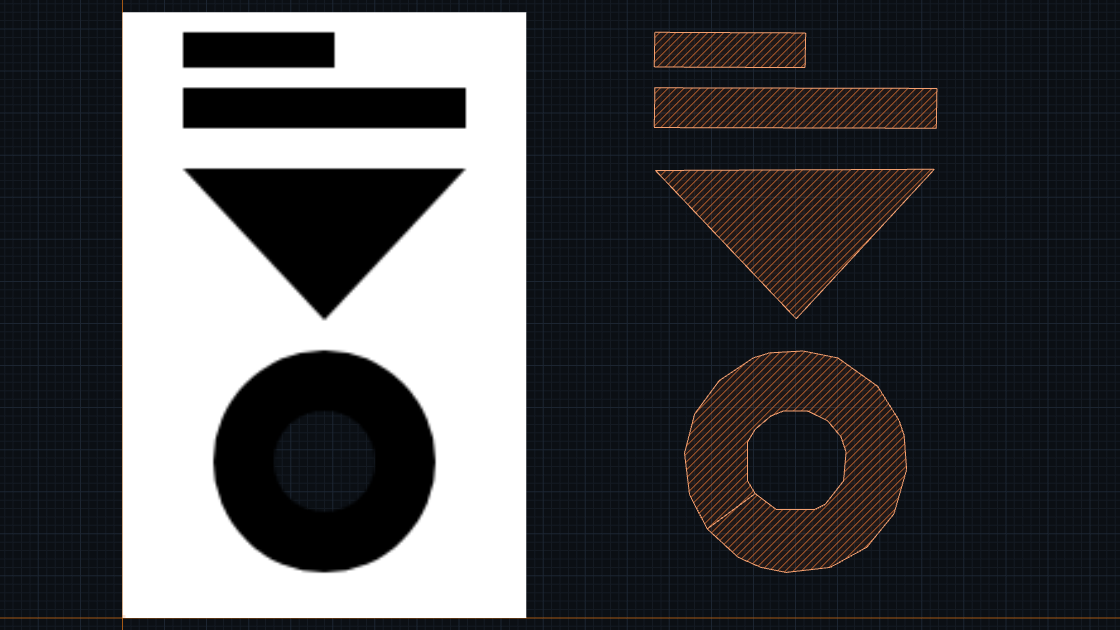
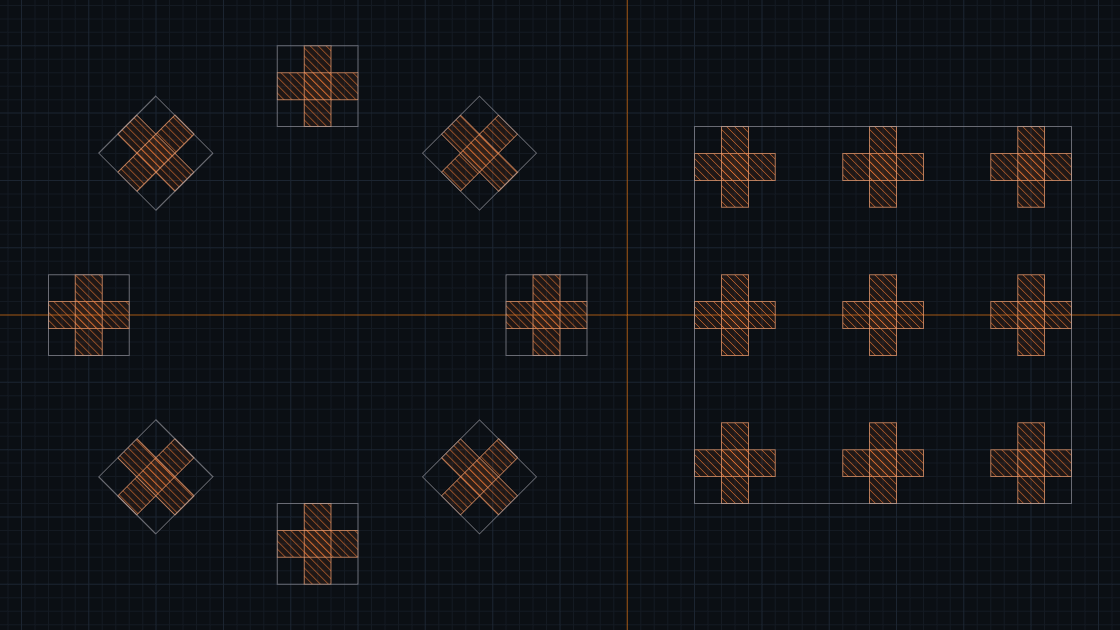
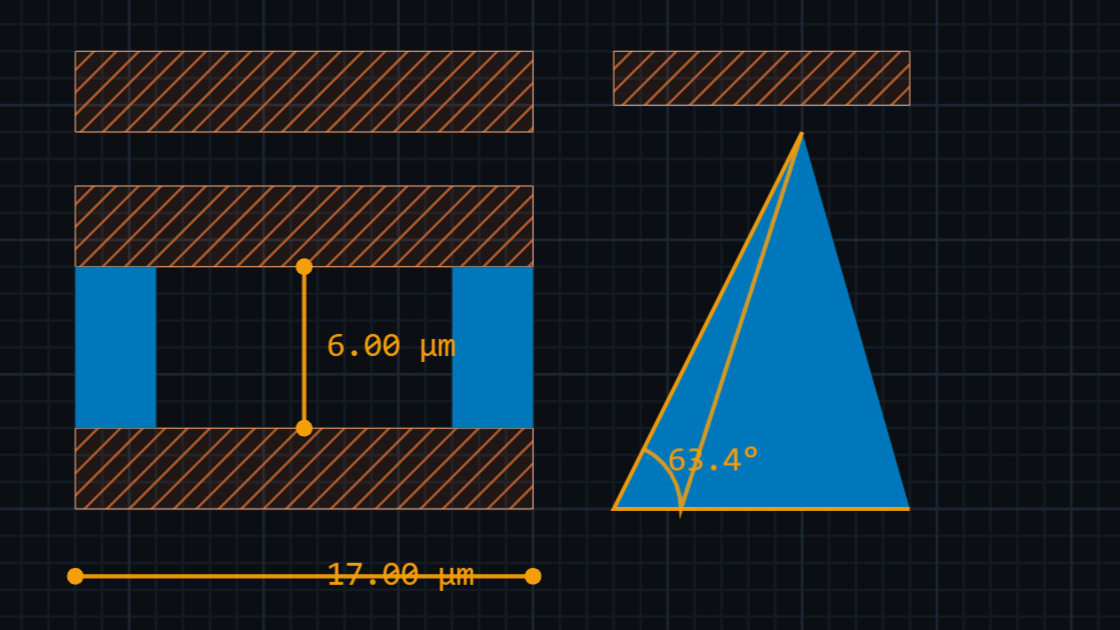
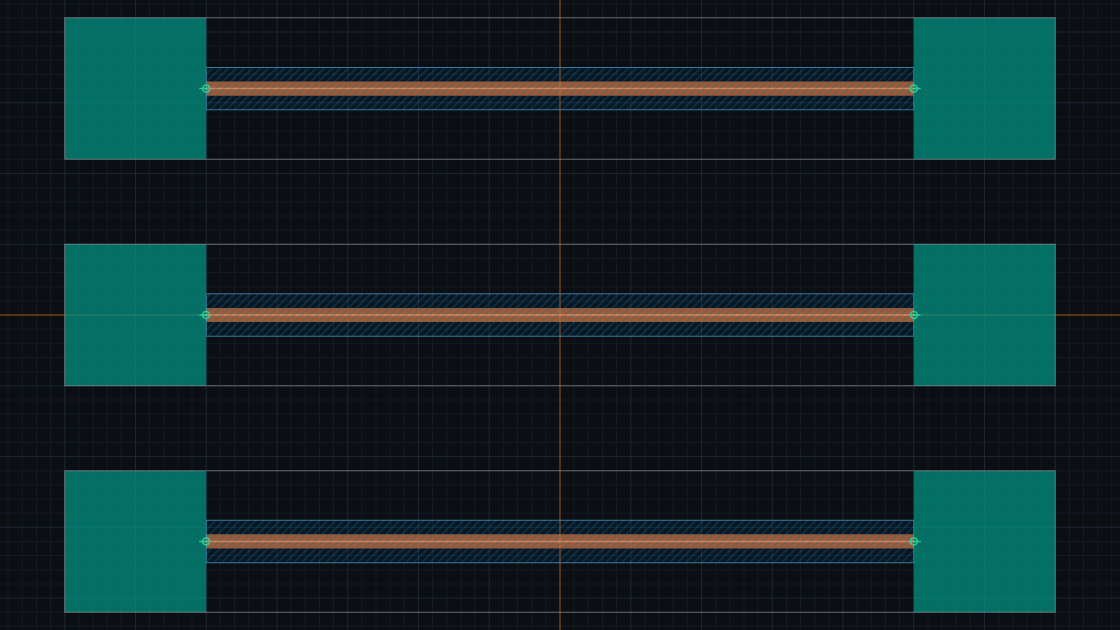
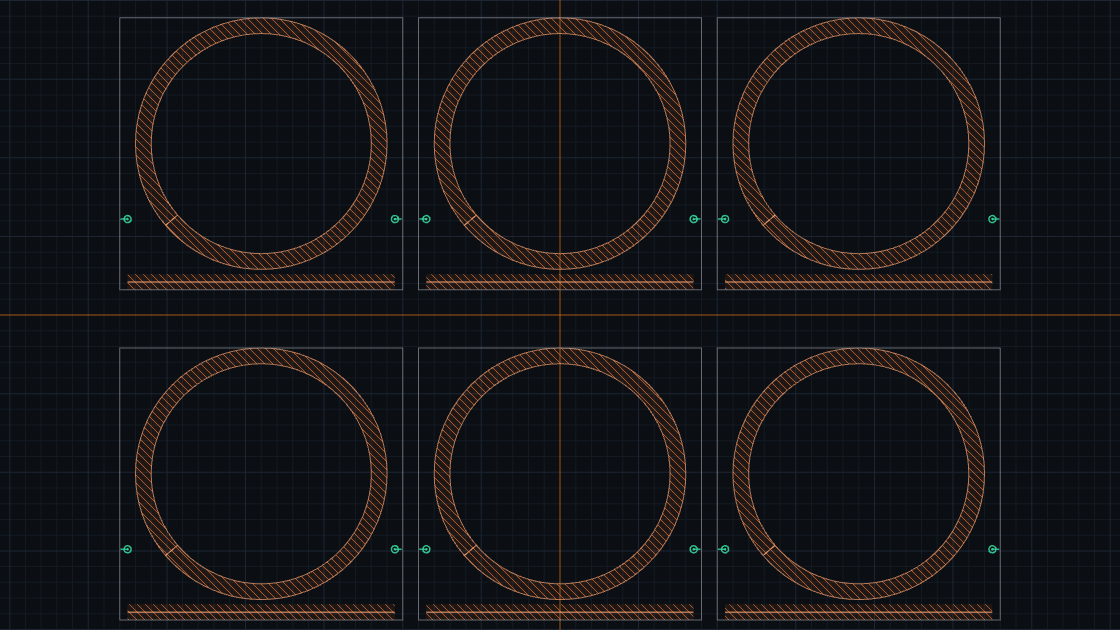
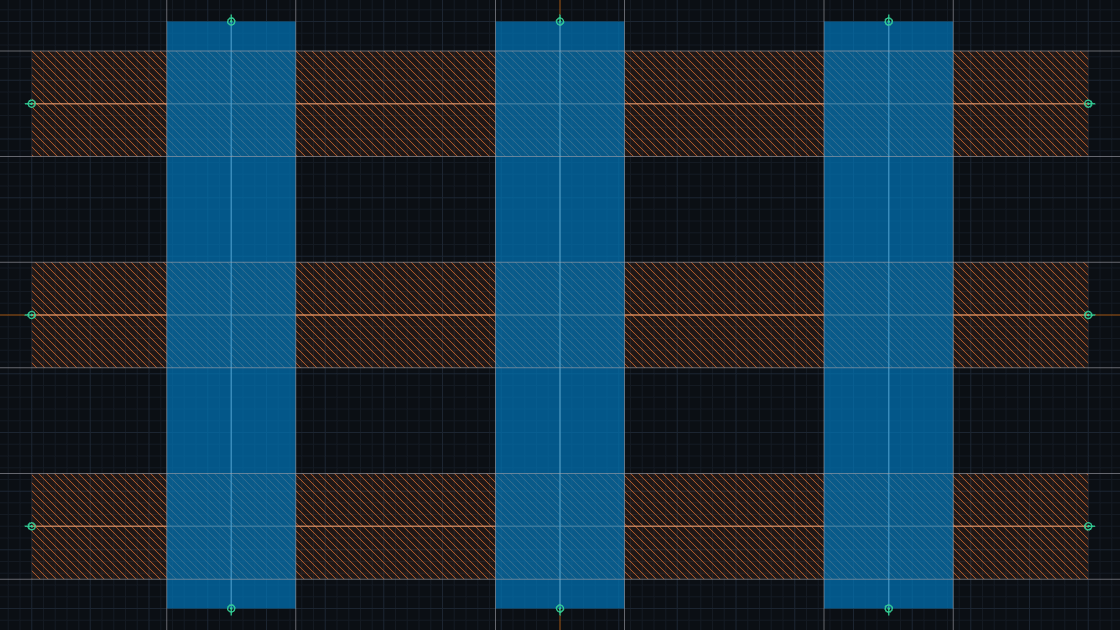
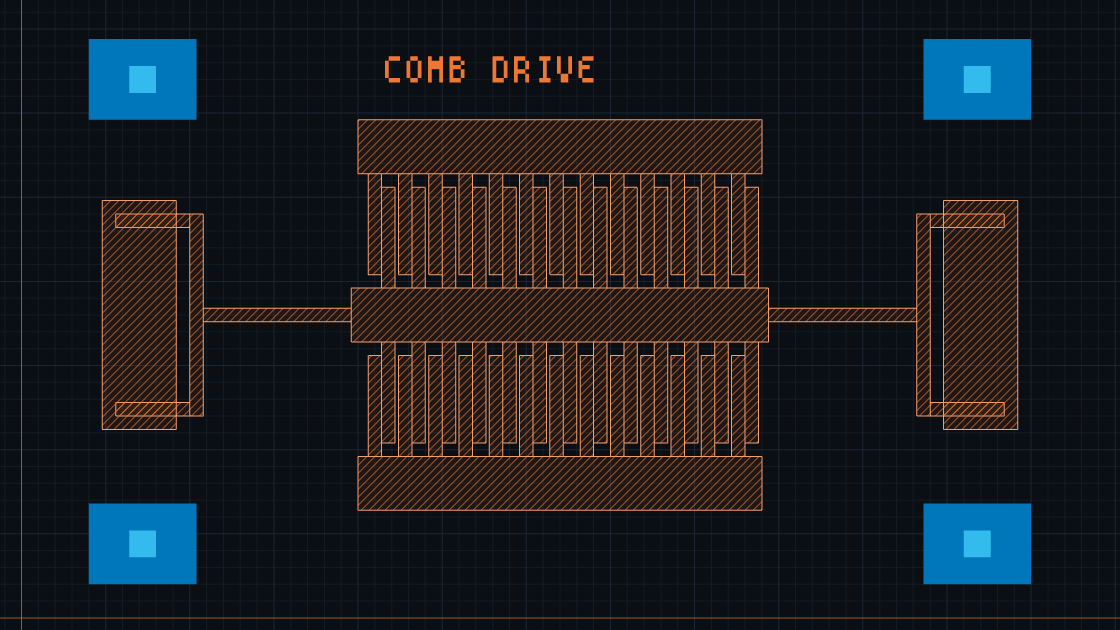
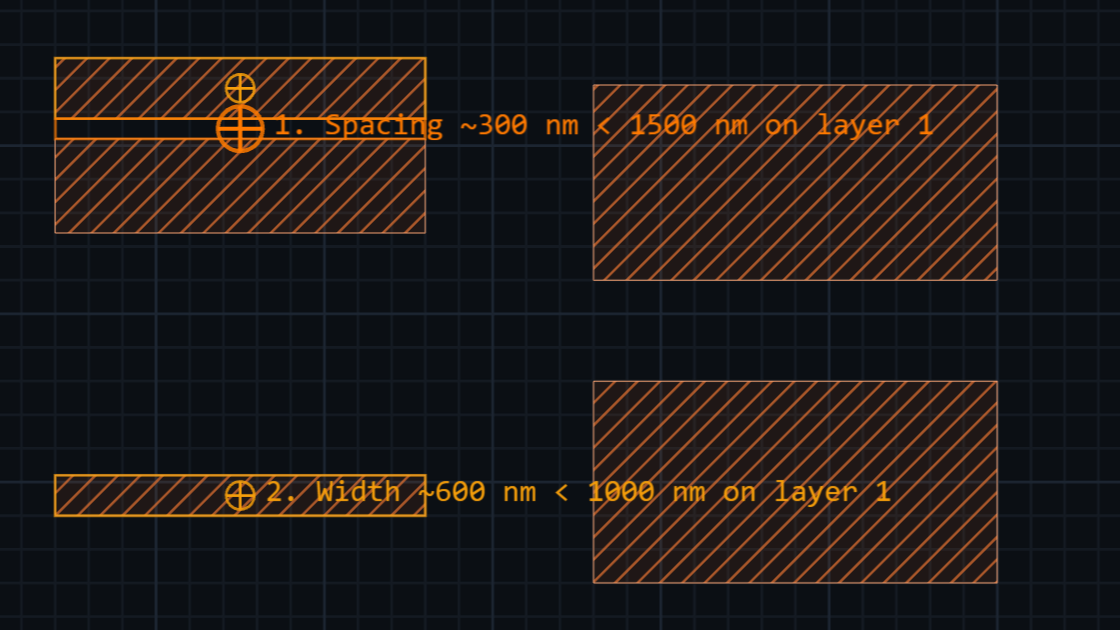
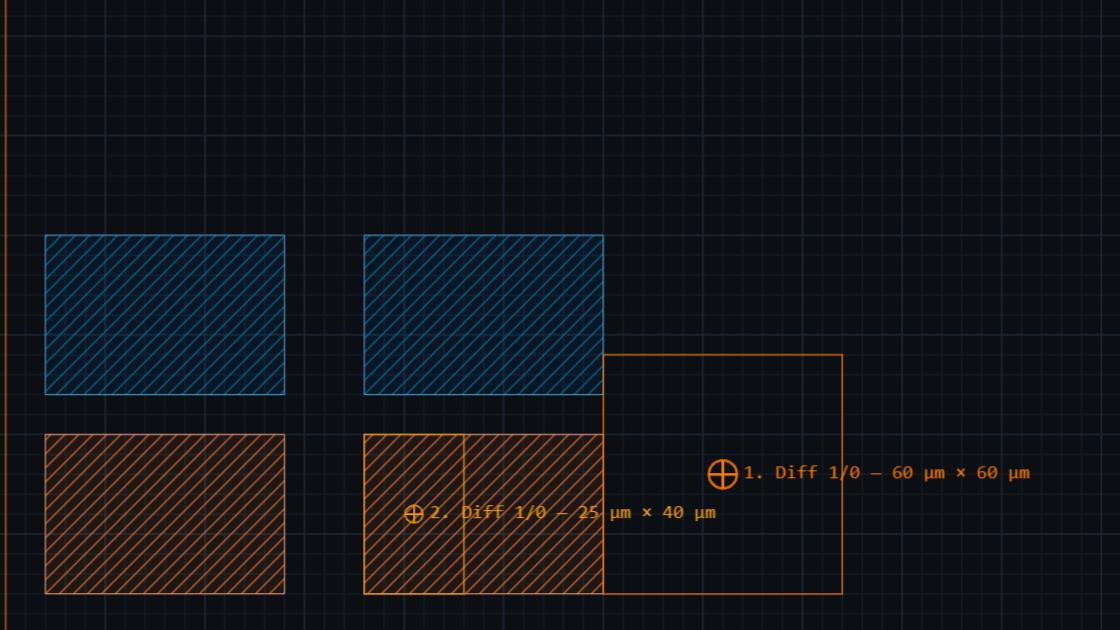
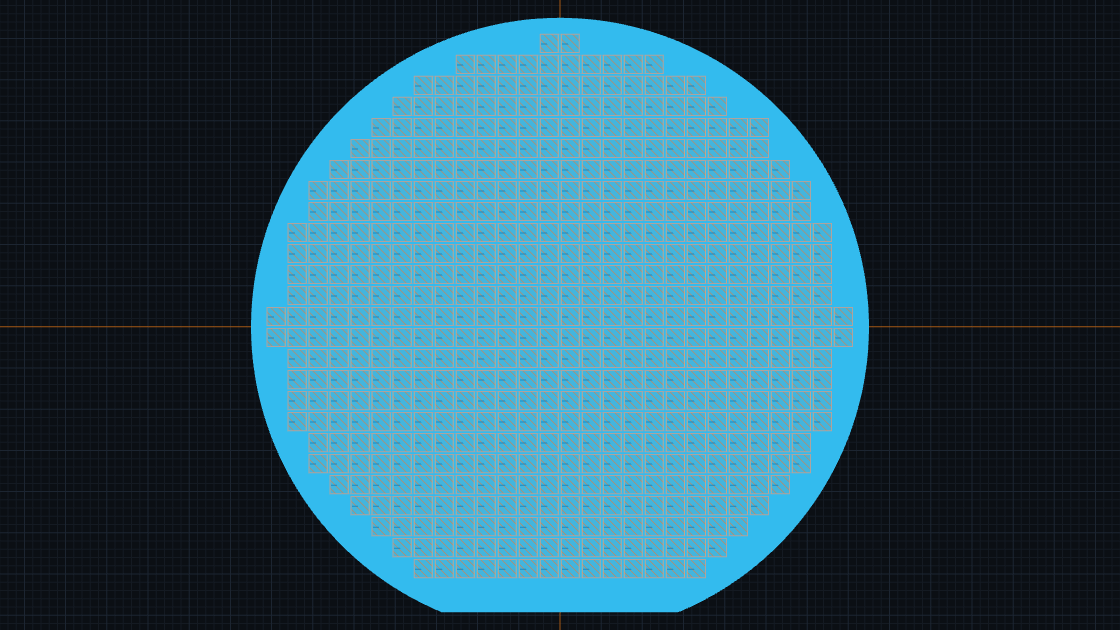
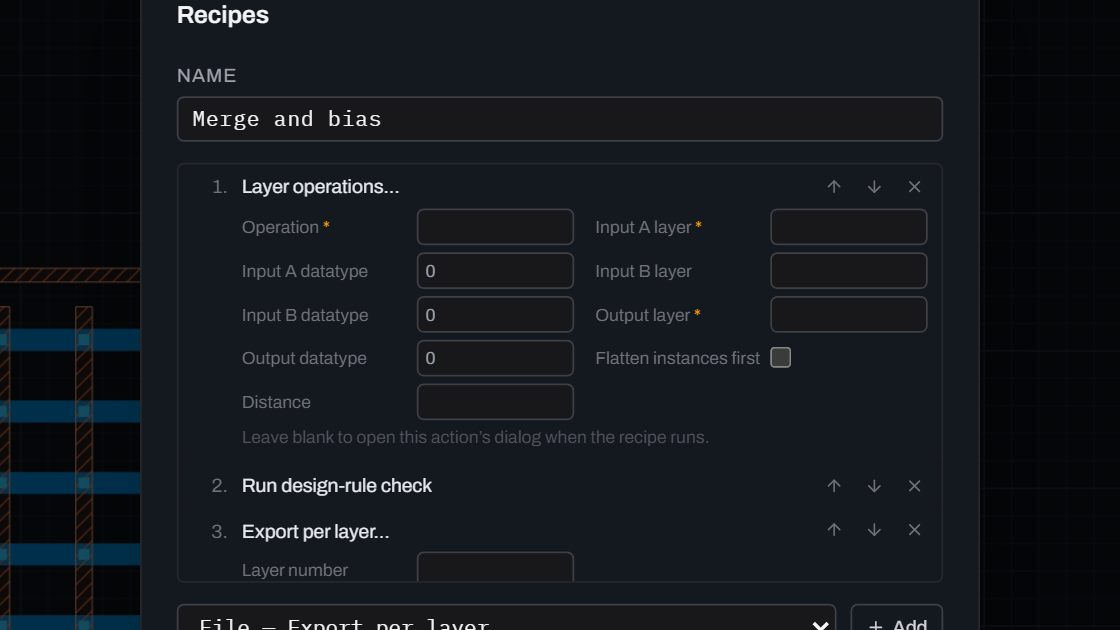
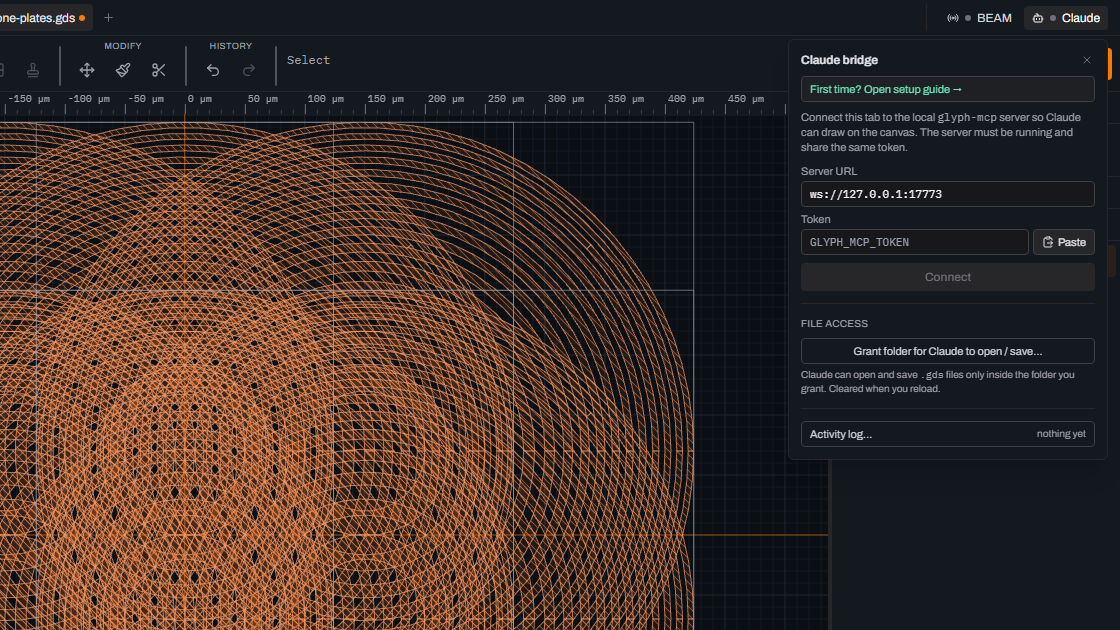
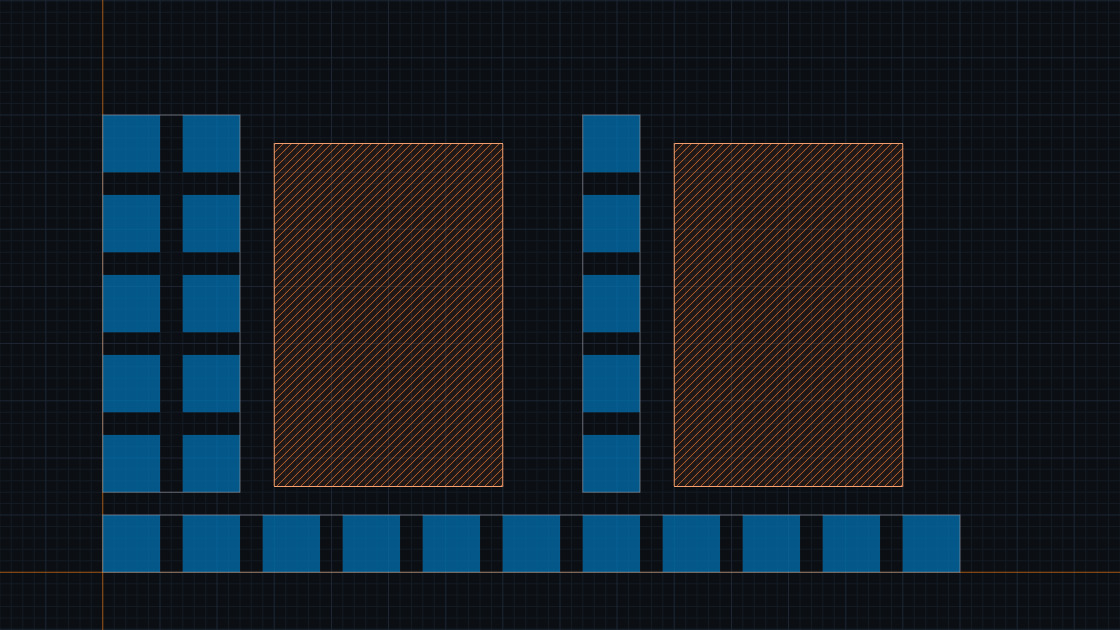
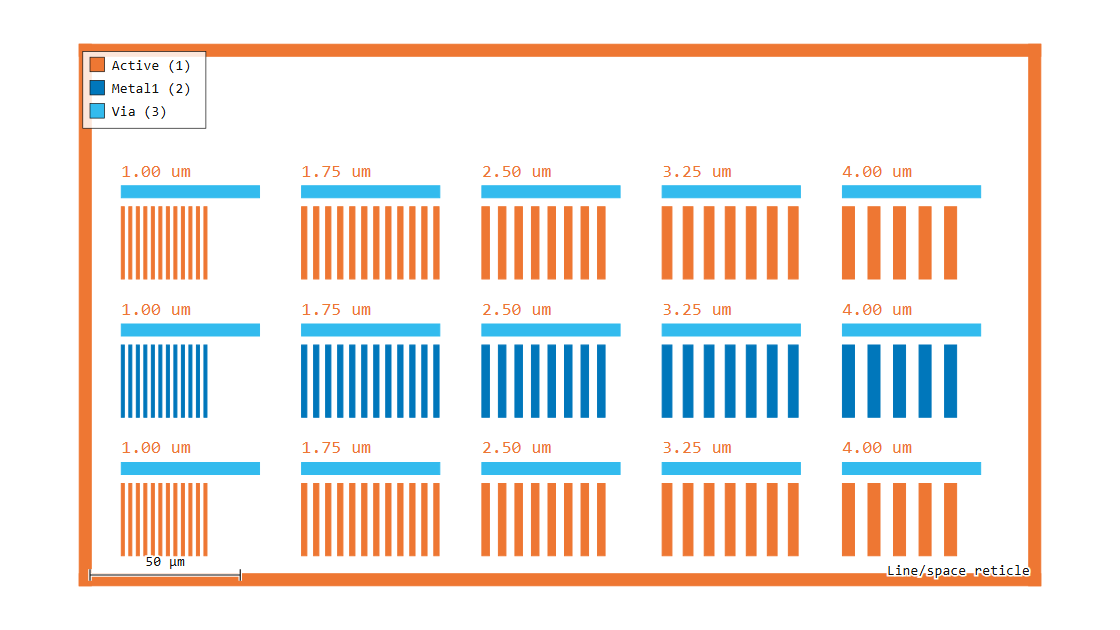
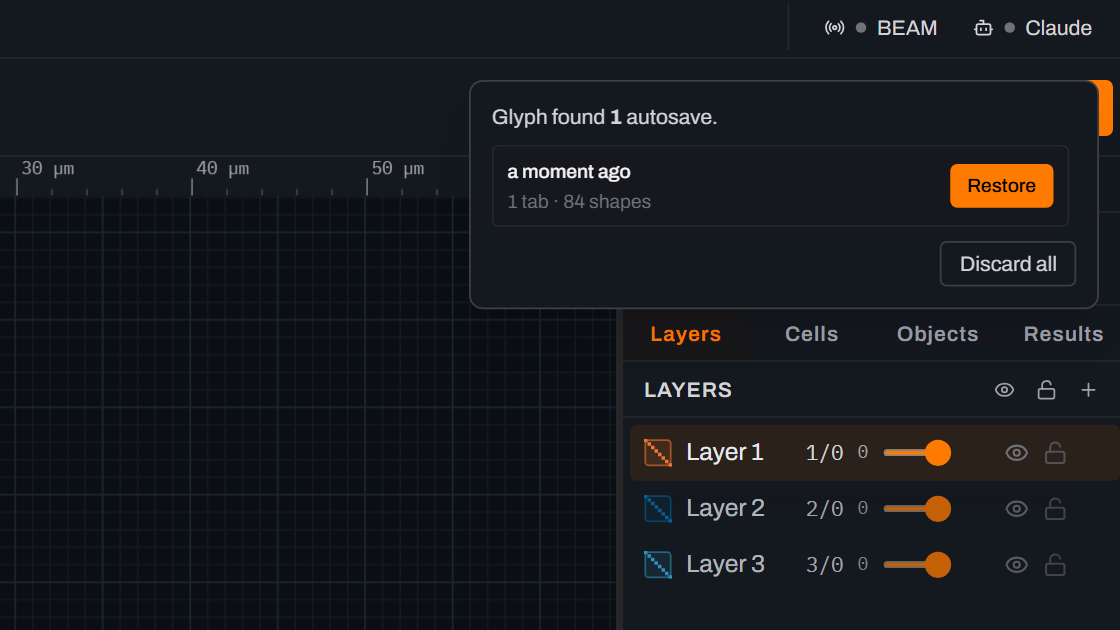
Glyph guides Worked, step-by-step examples that take a real layout task end to end in Glyph. Start here Your first photomask Trace a bitmap to GDSII Cells, instances and arrays Measure and annotate Design a real device Thermo-optic phase shifter Waveguide ring resonator Microfluidic chip with Quake valves MEMS comb-drive actuator Verify and ship Design-rule checks (DRC) Compare two GDS files Wafer layout and alignment marks Export to CIF, OASIS and DXF Export format by mask vendor GDS property preservation Power tools Boolean and layer operations Palette, shortcuts, grid presets Automate with recipes Draw GDSII with Claude Fill and dummy density Figures and recovery Publication-quality figures Recover unsaved work Start here Your first photomaskDraw, layer and export a complete GDSII mask from a blank document.~10 min Trace a bitmap to GDSIITrace a PNG into polygons with four contour modes, then export it as GDSII.~8 min Cells, instances and arraysDraw one cell, place it 17 times, and control how deep the view renders.~15 min Measure and annotateRead distance, angle, gap and radius live, then pin them as permanent dimensions.~10 min Design a real device Thermo-optic phase shifterPlace a waveguide, heater and contact pads, then map each role to a real layer.~10 min Waveguide ring resonatorPlace a parametric ring beside a bus waveguide and tune the coupling gap.~8 min Microfluidic chip with Quake valvesCross a control channel over a flow channel to build a two-layer Quake valve.~15 min MEMS comb-drive actuatorArray one comb finger, flatten it, and union it into a suspended actuator.~25 min Verify and ship Design-rule checks (DRC)Set width, spacing and area rules, run F7, and step through every violation.~10 min Compare two GDS filesXOR two revisions, then step through every difference region with F2.~25 min Wafer layout and alignment marksStep a die across a 150 mm wafer, then place and cross-check alignment marks.~25 min Export to CIF, OASIS and DXFSend a design out as CIF, OASIS or DXF, and export a KLayout layer map with it.~14 min Export format by mask vendorMap your mask vendor — photoplot house, direct-write writer, or chrome shop — to the export Glyph already ships.~6 min GDS property preservationSee exactly what Glyph keeps — and what it can't — when a foreign GDS carries PROPATTR/PROPVALUE metadata.~6 min Power tools Boolean and layer operationsMerge, subtract and intersect by selection, by whole layer, or as a dark-field preview.~13 min Palette, shortcuts, grid presetsFind any command with Ctrl+K, remap a key, and put a snap step on every number key.~10 min Automate with recipesSave an ordered list of commands as JSON and re-run it on the next design.~15 min Draw GDSII with ClaudeConnect an MCP client to a live tab and let it draw undo-tracked geometry.~10 min Fill and dummy densityTile the empty space of a cell with dummy fill, staying clear of real geometry by a halo you set.~8 min Figures and recovery Publication-quality figuresTurn a dark layout into a white-background SVG or PNG with scale bar and legend.~5 min Recover unsaved workGet work back after a crash, and fix files that won't open or layers you can't see.~5 min