Tabs — multiple open documents
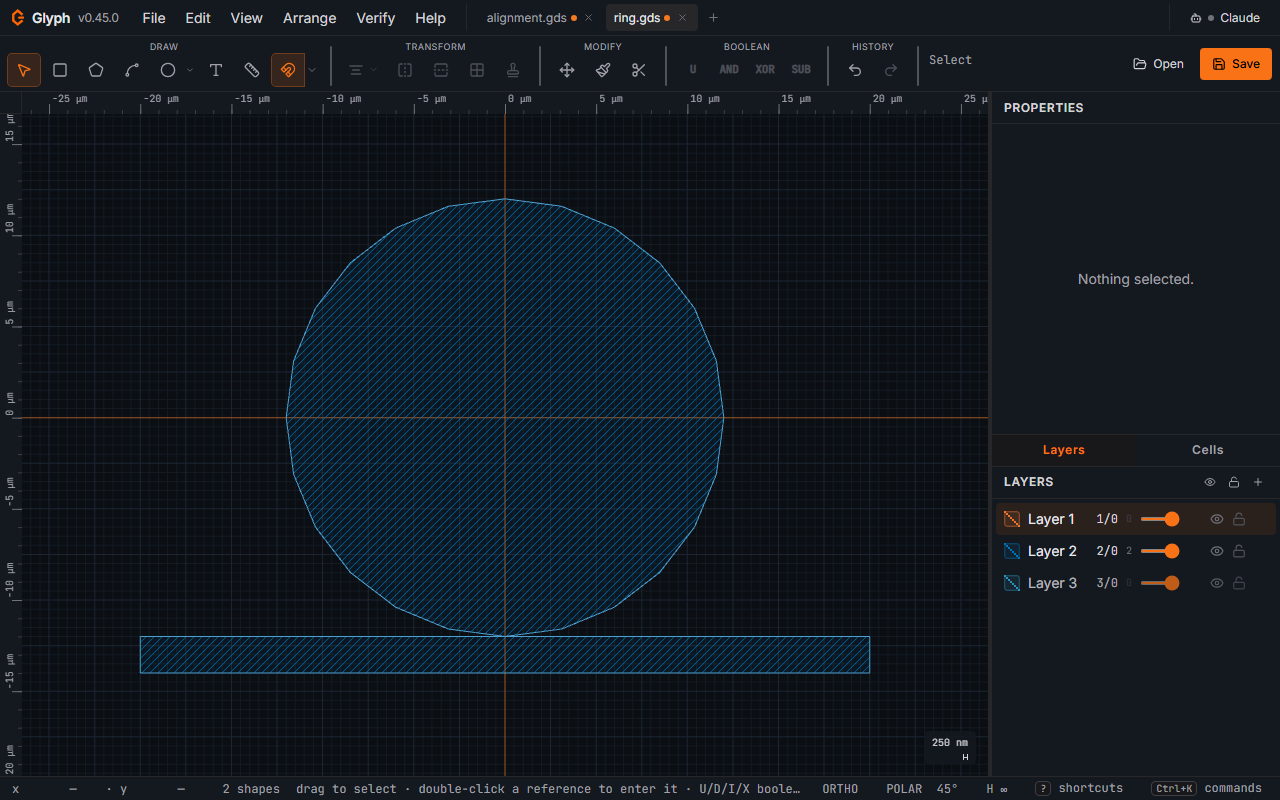
The tab strip sits between the menu bar and the toolbar. Each tab is an independent document with its own undo/redo history, cells, layers, and view. Click [+] to spawn a blank document, click a tab to switch, click its × (or middle-click) to close.
 View full image
The clipboard is shared across tabs — copy shapes in tab A, switch to tab B, paste. Shapes paste onto the layer number they came from (a new layer is created if tab B doesn't already have it). Copying an SRef/AREF and pasting it back into the same tab it came from always resolves to that tab's current cell, live edits and all — copy an instance, tweak the cell it points at, paste another instance, and both point at the tweaked version; nothing is ever duplicated for a paste into the document it was copied from. Pasting into a different tab, though, also brings the cell it points to (and anything that cell itself references) along: deep-copying whatever the destination is missing so the pasted instance is never left pointing at nothing, or — if the destination already has a cell of that name that isn't byte-for-byte the same as the one being pasted — adding the incoming copy under a suffixed name (<name>_1, …) instead of silently merging the two or overwriting either.
Ctrl + V anchors the pasted content on the cursor (or the viewport centre, if the cursor isn't over the canvas) — useful for placing a copy somewhere new. Ctrl + Shift + V ("Paste in place", also under Edit → Paste in place) instead lands the content at its exact original absolute coordinates, ignoring the cursor entirely — the gesture for reproducing a copied layout in the same position in a different tab or document. Both share the same layer, collision, and cell-reference handling described above; only the placement differs. Both Paste commands (menu, palette, and the canvas context menu) grey out with "Nothing has been copied yet" until something is on the clipboard.