Boolean operations and layer merge
Merge active layer
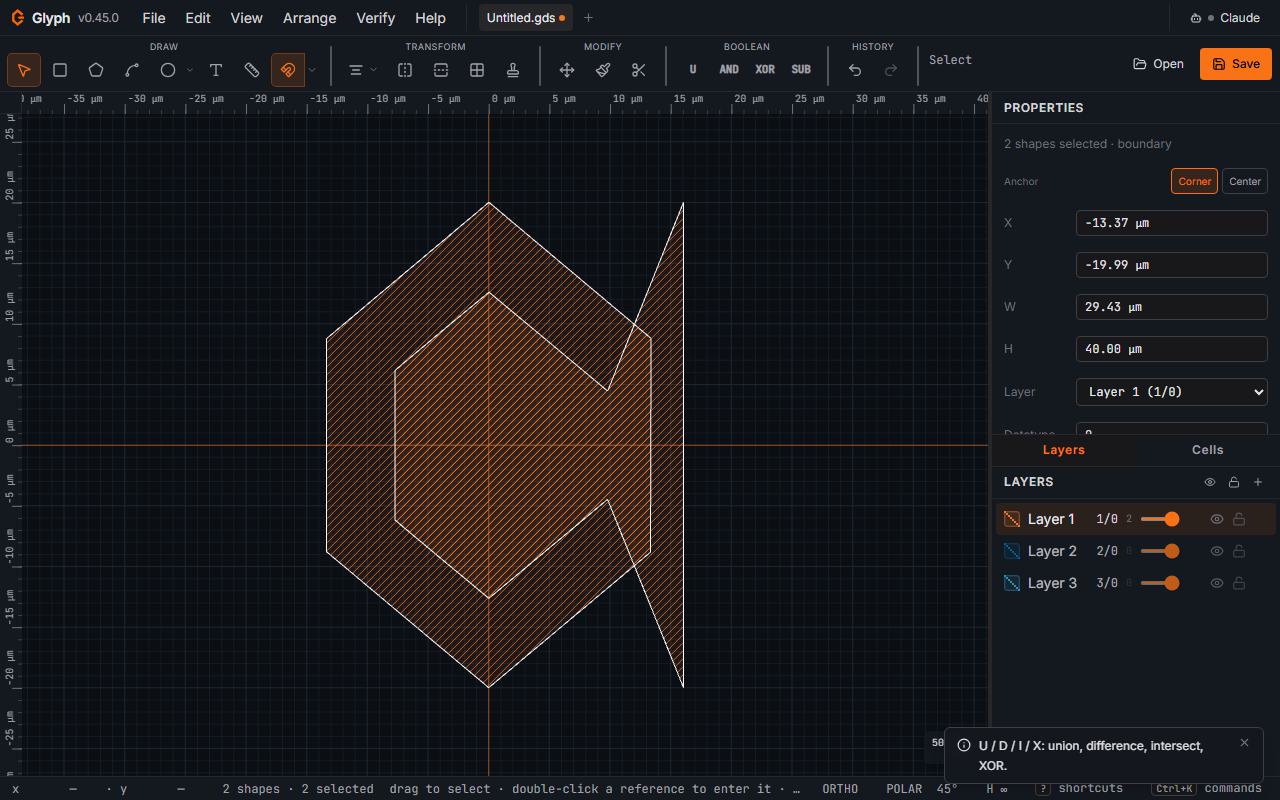
(or type merge active in the command palette) runs a layer-wide union of every boundary/box/widened-path shape on the currently active layer row, in the cell you are editing. Touching/overlapping polygons collapse into one; isolated islands stay separate. Single-undo step, named on the Edit menu as "Undo Merge active layer". Only that row's layer number AND datatype is merged: with 1/0 active, shapes on 1/4 are left exactly as they were, as are texts, zero-width paths and references. The result matches KLayout's merge of that layer (checked against KLayout 0.30.11 on 29 test cells), except that shapes touching at a single corner come back as separate polygons where KLayout returns one, a round path end is a 16-sided polygon, a PATHTYPE 4 path's extensions are not added, and a row where nothing is rewritten keeps its shapes as drawn: a widened path stays a path and a shape that crosses itself (a bowtie, a star) stays a self-crossing outline that paints the same area, where KLayout returns each as its merged outline. "Nothing to merge" means the row holds one shape, no two shapes' bounding boxes meet, or every shape on it encloses no area (coincident zero-area outlines, which are left as they are), a widened path's box being the area it paints (half its width to each side, its round or square ends and the points of its corners, to the whole nanometre); otherwise, when two boxes meet, the merge rewrites the whole row and is one undo step even if no shape joined. A merge of more than 20 000 vertices runs in the background under the busy bar, which can cancel it; if the cell changes before it finishes, nothing is applied and a message says so.
 View full image
Boolean operations
Select 2+ shapes on the same layer, then run one of the four ops via the Boolean toolbar icon (a combine glyph, between Transform and Modify — it opens a flyout listing all four with their hotkeys), the keyboard shortcuts below, right-click for the context menu, or Edit in the menu bar.
| Key | Op | What it does |
|---|---|---|
U |
Union (OR) | Merge into one polygon |
D |
Difference (SUB) | Subtract subsequent shapes from the first |
I |
Intersect (AND) | Keep only overlap |
X |
XOR | Symmetric difference |
In the command palette, CleWin's names find these too: merge lists Union (OR) (after the whole-layer Merge active layer) and subtract finds Difference (SUB).
Large boolean ops (over 20 000 input vertices) run in a background worker so the UI stays responsive, and a Cancel button appears next to the progress pill — cancelling leaves your drawing exactly as it was, with nothing on the undo stack. Smaller selections are computed immediately, since the round-trip to the worker would cost more than the op itself. If the drawing changes while a background op is running, the result is discarded rather than applied to geometry that has moved. The result lands on the shapes' layer; the originals are replaced in one undo step.