Skip to content
NANYTE · Updates

News.

Product releases, installations, and company updates from the team building BEAM.

Company

A free photoresist process library.
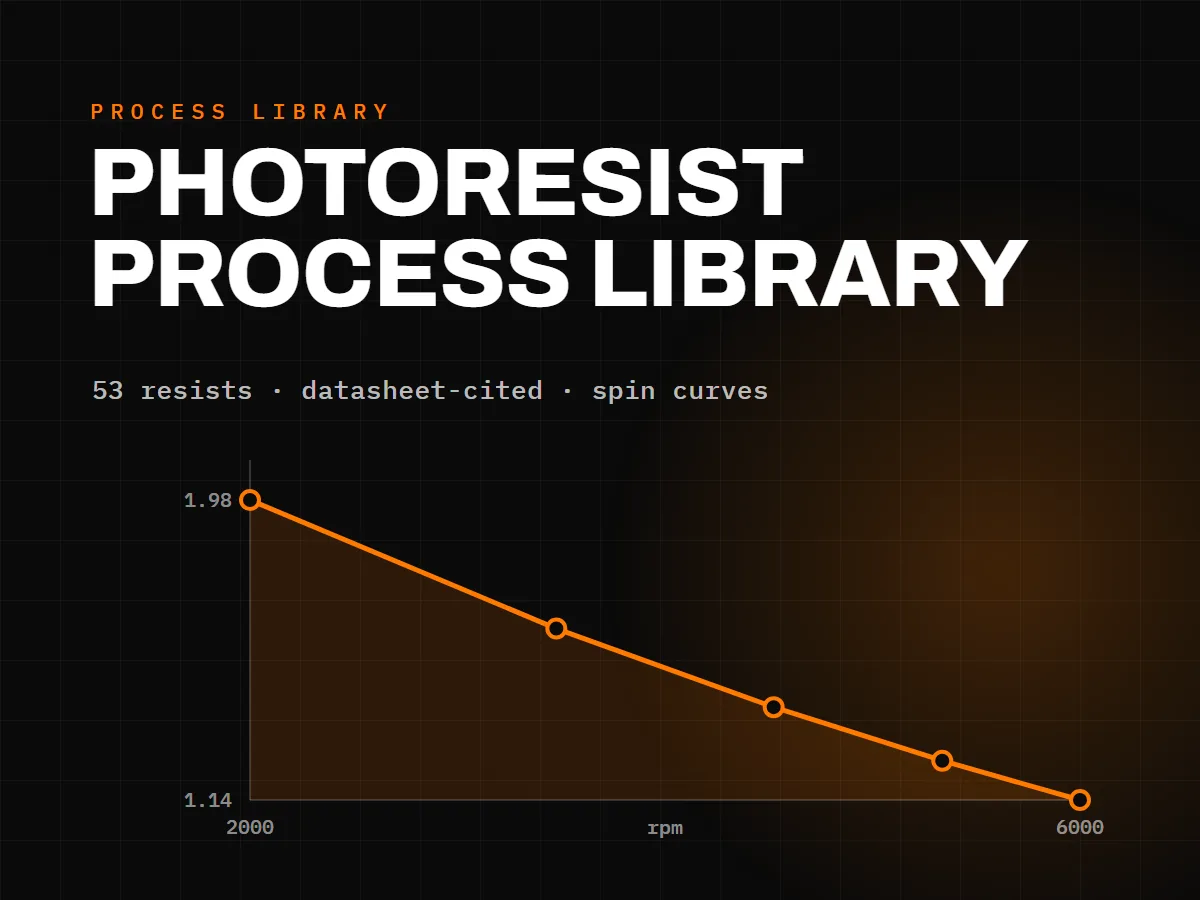
A dark card titled Photoresist Process Library showing an orange AZ 5214E film-thickness spin curve descending from 1.98 to 1.14 micrometres across 2000 to 6000 rpm

NANYTE has published a free photoresist process library: 53 resists, each with a full process recipe drawn straight from the manufacturer's datasheet. It is open to everyone — no account, no registration, no download gate.

Every recipe carries a redrawn spin curve, the soft-bake, exposure, develop and hard-bake steps, and the resist's tone, developer and intended use. Filter the library by tone and thickness to narrow 53 resists down to the handful that fit your process, then open a page for the full parameter set.

Every number is datasheet-cited, with a source for each value. Where a datasheet does not publish a figure, the page says so rather than guessing, and any value still awaiting verification is marked as such — nothing is dressed up as confirmed when it isn't. There is also a machine-readable copy of the whole dataset at /photoresists/recipes.json, ready for scripts and answer engines.

Browse the library at nanyte.com/photoresists — and if you run a resist we haven't covered, or spot a number worth correcting, there's a form on every page to tell us.
Browse the process library

Installations

BEAM lands in Taiwan.

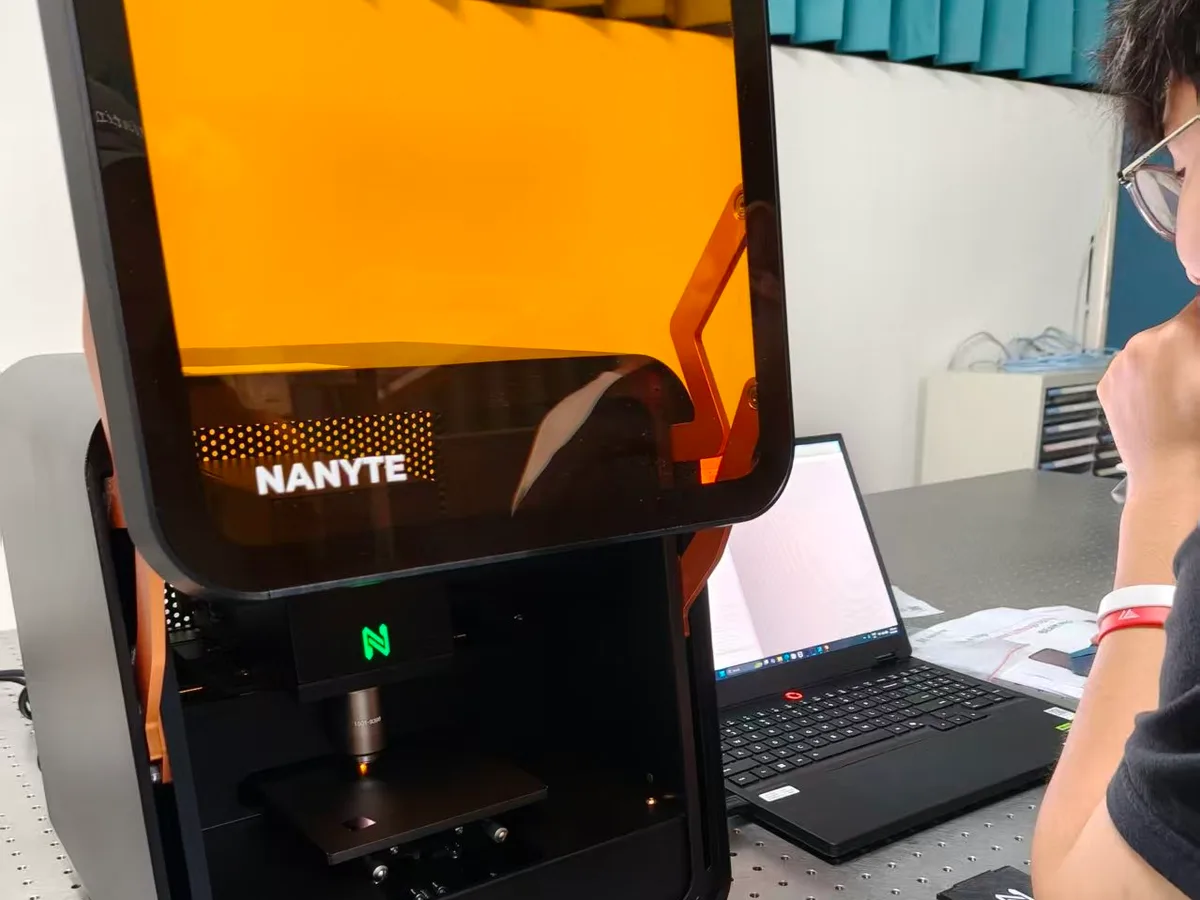
A NANYTE BEAM system on an optical bench, its objective focused over the sample stage while BeamXplorer runs on the laptop alongside

This month a BEAM system was installed and commissioned at Chung Yuan Christian University (中原大學) in Taoyuan, Taiwan — one of the world's densest concentrations of semiconductor expertise, and a natural home for desktop maskless lithography.

Installation followed the pattern our customers have come to expect from a 20 kg desktop tool: delivered, placed on the bench, and powered from a wall socket — no compressed air, gas, or cooling water.

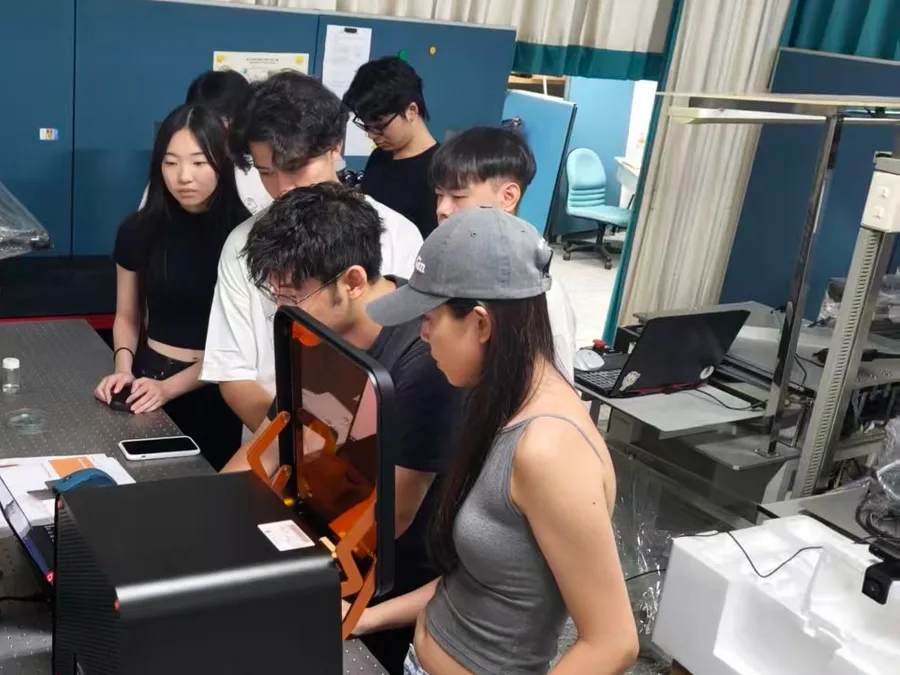
Commissioning ran straight into a hands-on session at the bench, with the group taking turns loading substrates, setting dose and focus, and driving exposures from BeamXplorer. Getting a research team writing their own patterns is the part of an install that matters most — the tool is only useful once the people around it are.

To the staff and students who crowded around that bench: we hope the first pattern you wrote is the least interesting one you ever write.

It is the 52nd BEAM installed worldwide, and it joins a growing installed base across Asia-Pacific, supported regionally through our distribution partners. If you'd like to see BEAM running in your part of the world, get in touch — we'll connect you with the nearest system.

Students and faculty gathered around a NANYTE BEAM system during hands-on training at Chung Yuan Christian University
Hands-on training at Chung Yuan Christian University
Software

BeamXplorer: our biggest software update yet.

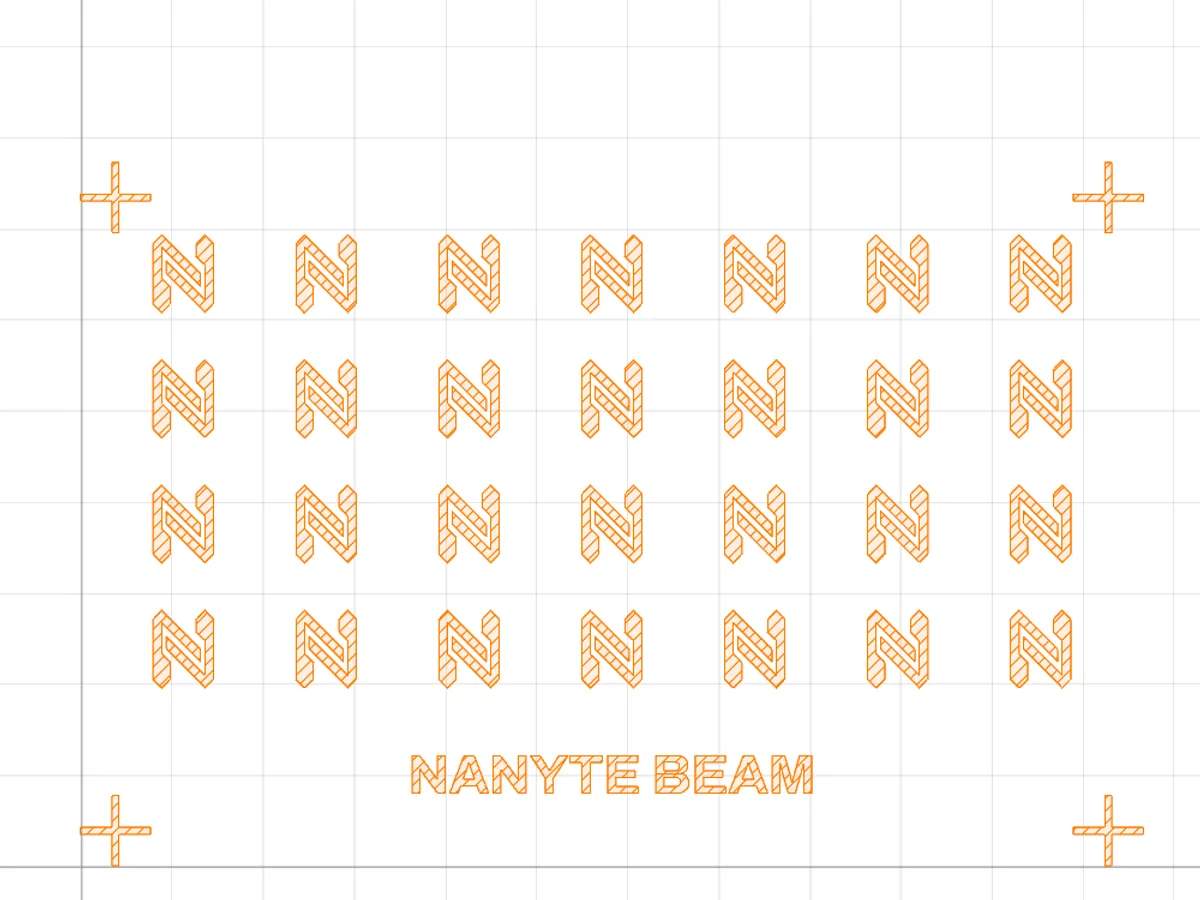
The BeamXplorer design preview showing an array of NANYTE logo patterns with alignment marks, on a grid with origin axes and rulers

The latest BeamXplorer update is the largest BEAM has shipped — a ground-up rework of how designs are displayed and prepared for exposure, and direct support for the mask and PCB formats our customers already work in.

  • Import CIF, OASIS, and Gerber files — load these mask and PCB layouts directly, alongside GDS, DXF, and bitmaps.
  • Redrawn design preview — first display ~3× faster, pan and zoom up to 100× faster on large designs, with a configurable grid, origin axes, ruler, and light/dark themes.
  • Large designs load up to 2.1× faster, and the biggest patterns prepare for exposure up to ~9× faster.
  • High aspect-ratio exposure — build tall structures in thick resist.
  • Glyph, our free browser-based GDS editor, opens straight from the toolbar — draft in Glyph, expose on BEAM.
  • First-launch setup carries your calibration and settings forward to new versions — no more manual copying.
  • A greatly expanded external automation API — near-complete control of motion, dose, focus, design, job queue, and settings.

Software updates ship monthly and are included with every BEAM. The full changelog is available in-app in the redesigned “What’s New” window, which now also notifies you when a newer version is available.

See BEAM for yourself.

Book a demo, bring your own design, and watch it patterned on a production system — on our floor or over a live session.

Book a demo →